What Are AI Product Photos?
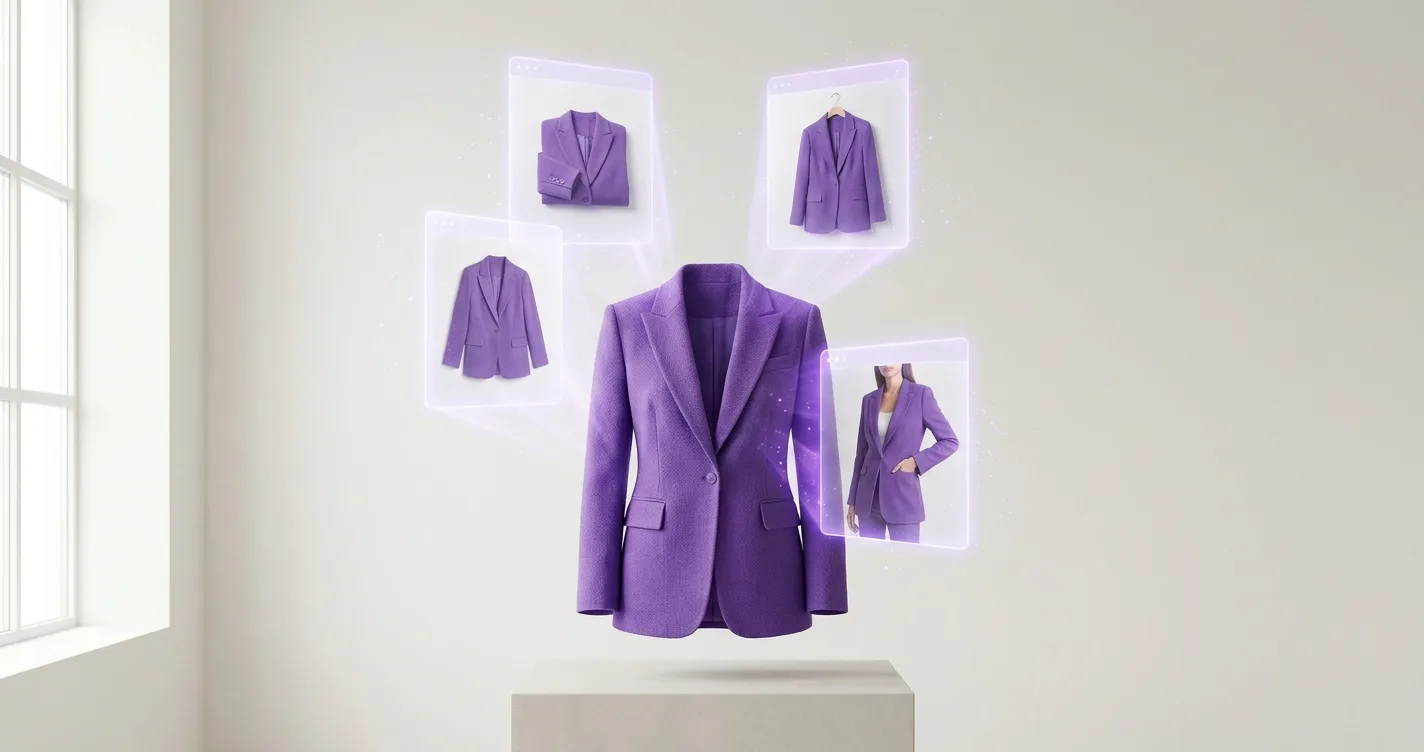
AI product photos are professional product images created using artificial intelligence technology. Instead of hiring models and photographers for traditional photo shoots, AI technology maps your products onto virtual models, creating realistic product photos in minutes.
This technology has revolutionized e-commerce photography, making professional product imagery accessible to stores of all sizes and budgets.
How Does AI Product Photography Work?
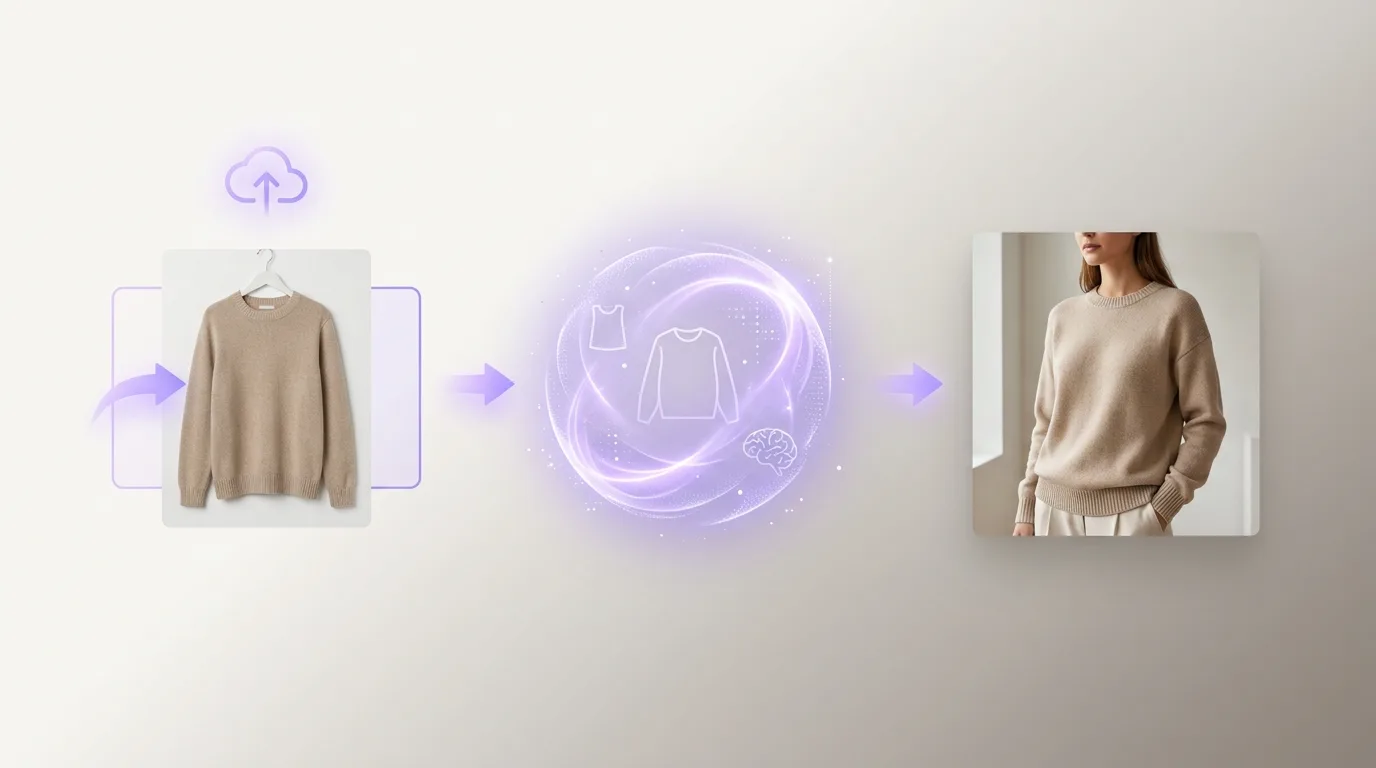
AI product photography uses advanced machine learning algorithms to:
- Analyze your product images - The AI examines your uploaded product photos to understand shape, texture, and design
- Select appropriate models - Choose from a catalog of professional AI models in various poses and demographics
- Map products to models - The AI intelligently maps your product onto the selected model, ensuring realistic fit and appearance
- Apply styling - Add backgrounds, lighting, and poses optimized for product photography
- Generate final images - Produce high-resolution product photos ready for your online store
Benefits of AI Product Photos for Online Stores
1. Cost Savings
Traditional product photography can cost €1,000-2,500 per session. With AI product photos, you can create unlimited professional images for a monthly subscription starting at €29.99.
Real Example: A Shopify store with 100 products saved €98,000 in the first year by switching to AI product photography.
2. Speed and Efficiency
Traditional photo shoots require:
- Weeks of scheduling
- Full day sessions
- Days of post-production
AI product photos can be generated in minutes, allowing you to:
- Launch products immediately
- Update catalogs quickly
- Respond to trends faster
- Test different visual styles
3. Consistency
AI models provide consistent appearance across all your product photos, ensuring:
- Cohesive brand image
- Professional quality throughout your store
- Uniform lighting and styling
- Predictable results
4. Scalability
Whether you have 10 products or 10,000, AI product photography scales effortlessly. Add new products, create seasonal variations, or update existing images without additional costs.
5. Flexibility
With AI product photos, you can:
- Try multiple poses for each product
- Test different backgrounds and styles
- Create variations for A/B testing
- Generate images for different markets
Who Should Use AI Product Photos?
Perfect For:
- Clothing and fashion stores - Show how items look when worn
- Startup e-commerce stores - Professional photos on a budget
- Growing businesses - Scale photography as you grow
- Seasonal retailers - Update collections quickly
- Multi-product stores - Consistent imagery across catalog
Consider Traditional Photography If:
- You need very specific, unique styling
- You're shooting complex product interactions
- You have an unlimited budget
- You need on-location photography
Types of Products That Work Best with AI Photography
Excellent Results:
- Clothing and apparel
- Fashion accessories
- Jewelry (with proper setup)
- Bags and purses
- Footwear
Good Results:
- Home textiles
- Decorative items
- Simple accessories
May Require Additional Setup:
- Complex jewelry
- Very small items
- Products with intricate details
Getting Started with AI Product Photos
Step 1: Choose Your Platform
Select an AI product photography platform that fits your needs. Consider:
- Pricing and subscription plans
- Quality of generated images
- Ease of use
- Model catalog variety
- Customization options
Step 2: Prepare Your Product Images
For best results, start with high-quality base images:
- Clear, well-lit photos
- Plain backgrounds (white or neutral)
- Products on hangers or flat surfaces
- Good resolution (minimum 1000x1000px)
- Accurate colors
Step 3: Select Your Models
Choose AI models that match your target audience:
- Demographics (age, gender, body type)
- Style preferences
- Brand aesthetic
Step 4: Configure Settings
Customize your product photos:
- Poses (front, side, three-quarter, etc.)
- Backgrounds (solid colors, studio, custom)
- Lighting styles
- Image resolution
Step 5: Generate and Review
Generate your product photos and review the results. Most platforms allow you to regenerate with different settings if needed.
Step 6: Download and Use
Download high-resolution images and upload them to your online store. Optimize file sizes for web use while maintaining quality.
Best Practices for AI Product Photos
1. Start with Quality Base Images
The better your input images, the better your AI-generated results. Invest time in taking good base photos.
2. Maintain Consistency
Use the same AI models, backgrounds, and styling across similar product categories for a cohesive look.
3. Show Multiple Angles
Generate photos from different angles (front, side, back) to give customers a complete view of your products.
4. Test Different Styles
Experiment with different poses, backgrounds, and models to find what works best for your brand.
5. Optimize for Your Platform
Different e-commerce platforms have different image requirements. Ensure your AI-generated photos meet these specifications.
Common Questions About AI Product Photos
Q: Are AI product photos as good as traditional photography?
A: For most e-commerce purposes, yes. AI product photos provide professional quality suitable for product pages, catalogs, and marketing. However, for very high-end fashion campaigns or specific artistic requirements, traditional photography may still be preferred.
Q: How long does it take to generate AI product photos?
A: Typically 1-3 minutes per image, depending on the platform and settings. This is significantly faster than traditional photography, which can take days or weeks from planning to final delivery.
Q: Can I customize AI product photos?
A: Yes, most platforms offer extensive customization options including poses, backgrounds, lighting, model selection, and styling preferences.
Q: Are AI product photos suitable for all product types?
A: AI product photos work best for clothing, fashion accessories, and wearable items. They can work for other products but may require additional setup or may not be suitable for very complex items.
Q: What's the cost comparison?
A: Traditional photography: €1,000-2,500 per session. AI product photos: €29.99-199.99/month for unlimited photos. For stores with 50+ products, AI photography typically saves 90-95% on costs.
Real Results from Online Stores
Fashion Boutique
- Reduced photography costs by 94%
- Increased product catalog from 30 to 200 items
- Improved conversion rate by 32%
- Launched new collections 5x faster
Accessories Store
- Saved €45,000 in first year
- Created 500+ product photos
- Maintained consistent brand image
- Scaled from startup to established brand
Conclusion
AI product photography is transforming how online stores create product imagery. By combining cost-effectiveness, speed, consistency, and scalability, it offers a compelling alternative to traditional photography for most e-commerce needs.
Whether you're a startup looking to launch professionally or an established store wanting to reduce costs and scale faster, AI product photos can help you achieve your goals.
Ready to get started? Try TryClothesMagic's AI product photography platform and see how it can transform your online store's imagery.